Measured detail
Lanczos resizing comes first. Sharpening is then capped by resize amount and destination so it cannot simply mask lost detail.
Keep the detail before you share.
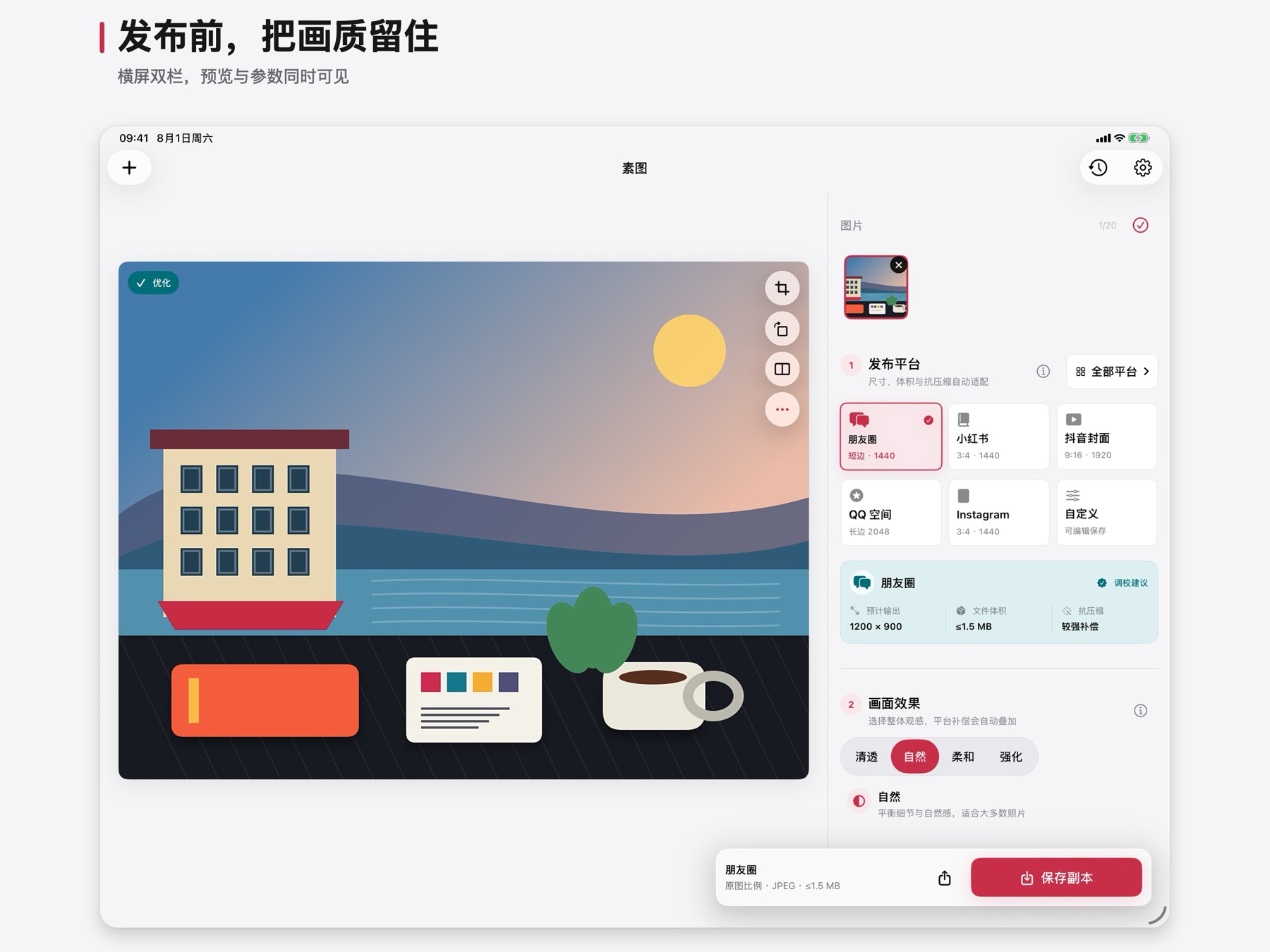
Import up to 20 photos, choose a publishing destination, then preview dimensions, file size, and compression-aware processing. Originals stay untouched and photos never leave your device.
Preparing for the App Store
A shorter path to a clear share
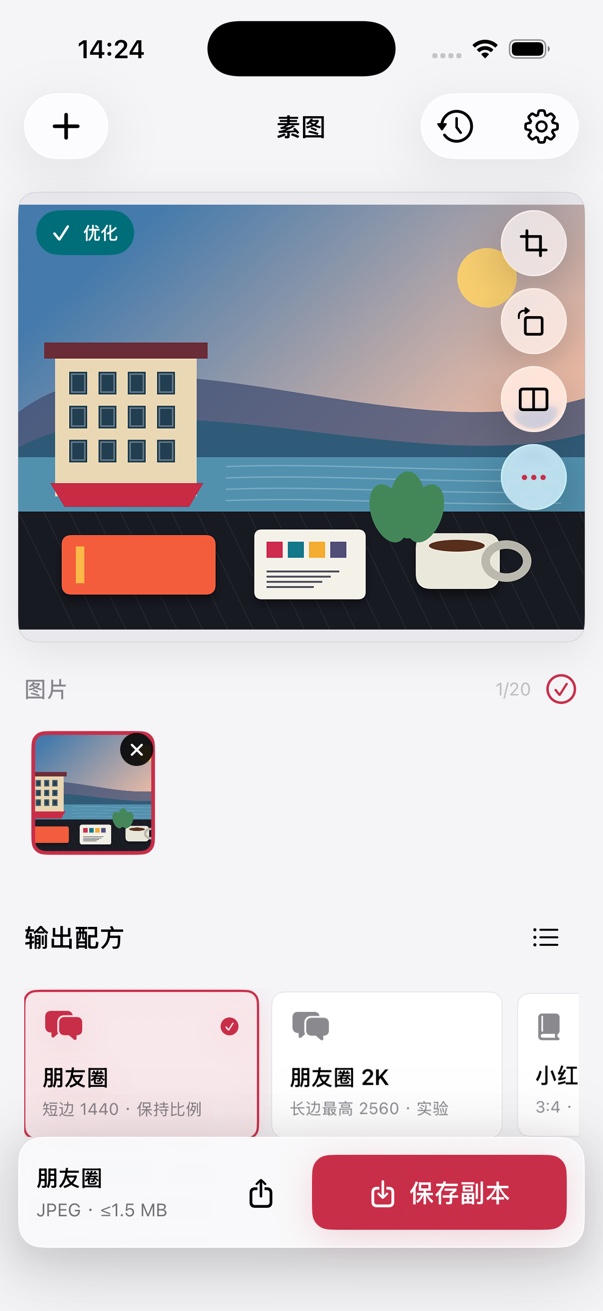
Import from Photos, Files, the clipboard, or iPad drag and drop, up to 20 at a time.
Review suggested dimensions and expected size, then adjust composition, format, and fine controls.
Save all selected results together, or use the system share sheet to store or send them.
Six visible starting points
One batch, each crop stays independent
Lanczos resizing comes first. Sharpening is then capped by resize amount and destination so it cannot simply mask lost detail.
JPEG encoding searches for the highest usable quality above a floor, reducing pixels only when quality alone cannot meet the target.
Aspect ratios are suggestions, never silent crops. Crop, rotate, and flip remain independent for every photo.
Privacy by architecture
The support center covers importing, batches, saving, formats, and privacy.